
Unlock Bootloader on YU Yureka
 |
| Unlock Bootloader on YU Yureka |
YU Yureka runs Cyanogen Mod 11 on top of Snapdragon 615 Octa Core Processor and 2 GB RAM. It is priced at just Rs.8,999 and has 16GB inbuilt memory.
YU is the sub-brand of India's top brand, Micromax. YU is aimed at the developers and thus, YU said rooting the Yureka won't void the warranty.
So, here we are. If you already got your Yureka, it's time to unlock Yureka bootloader.
WARNING
The process wipes all the data on Internal Memory. So, backup all necessary files.Why to unlock Bootloader?
- For rooting.
- For flashing Custom Recovery, eg:- CWM, TWRP.
- For flashing Custom ROMs.
- To play GOD! ;)
Requirements
- YU Yureka.
- USB Cable.
- Windows PC.
- ADB & Fastboot Package.
Steps
- Extract ADB Package to a folder on C: drive.
- Shut down Yureka.
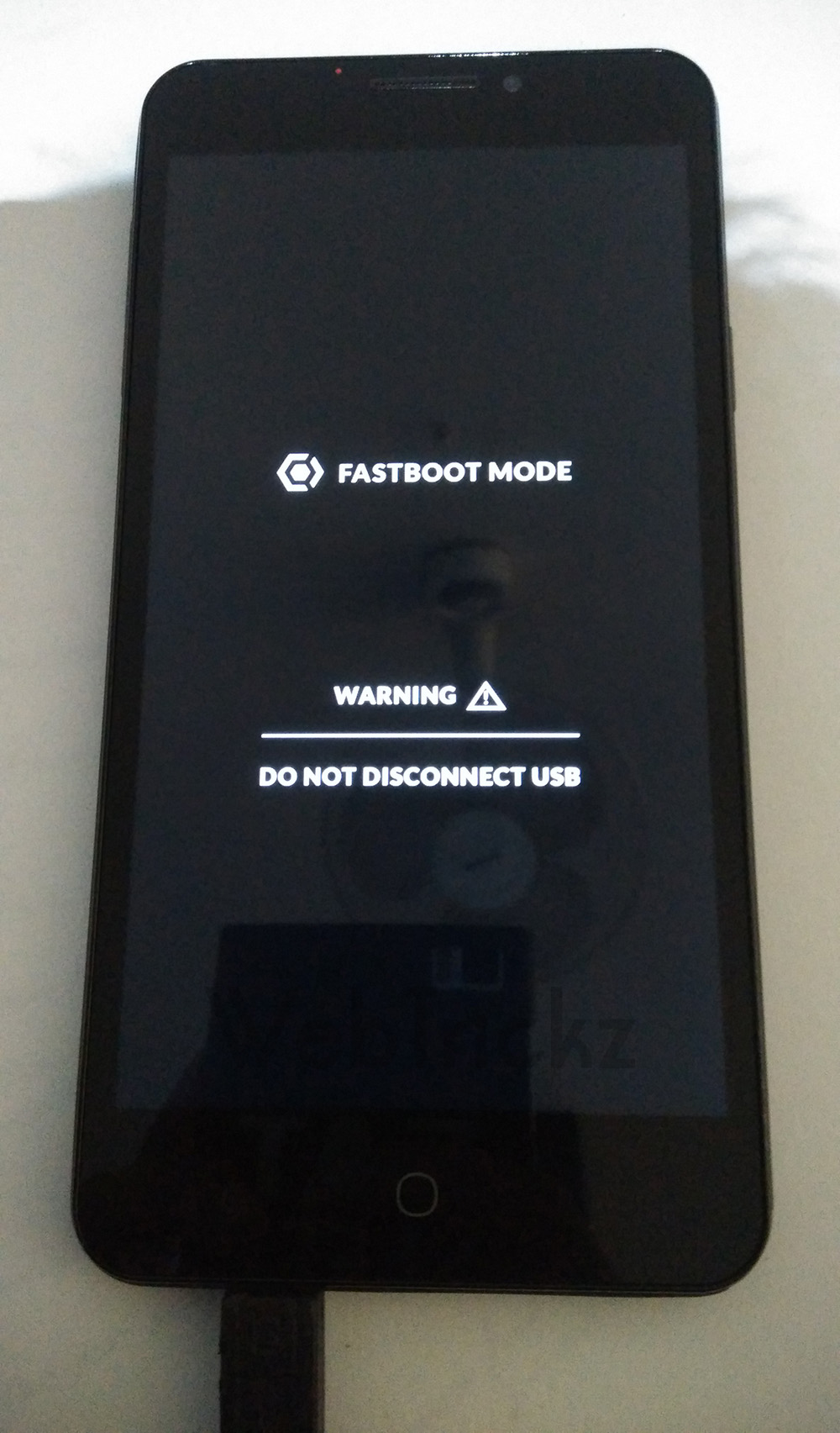
- Enter Fastboot Mode on Yureka by holding the Volume up button while connecting the phone to your PC with a USB cable. LED will show Red during this process.
- If detected, the ADB drivers will be installed. If not installed, manually install ADB Drivers.
- Go inside the folder where you extracted the ADB Package. On any blank space in the folder, hold Shift and right click.
- Click Open Command Window here.
- Type fastboot -i 0x1ebf devices and press Enter to see if your device has been detected.
- If detected, type fastboot -i 0x1ebf oem unlock and press Enter.
- Type fastboot -i 0x1ebf reboot and press Enter.
Congrats! You now have an unlocked YU Yureka Bootloader. Now, you may:-
- Root YU Yureka.
- Install CWM, TWRP on YU Yureka.
- Flash Custom ROMs.


how to install adb derivers mannually
ReplyDeletethe link is not working for ADB Drivers
ReplyDelete